Getting started · 2 of 2
Bringing hosts in
Hosts already saved elsewhere come in with a few clicks, and Shellden's hosts can go back out to plain ssh.
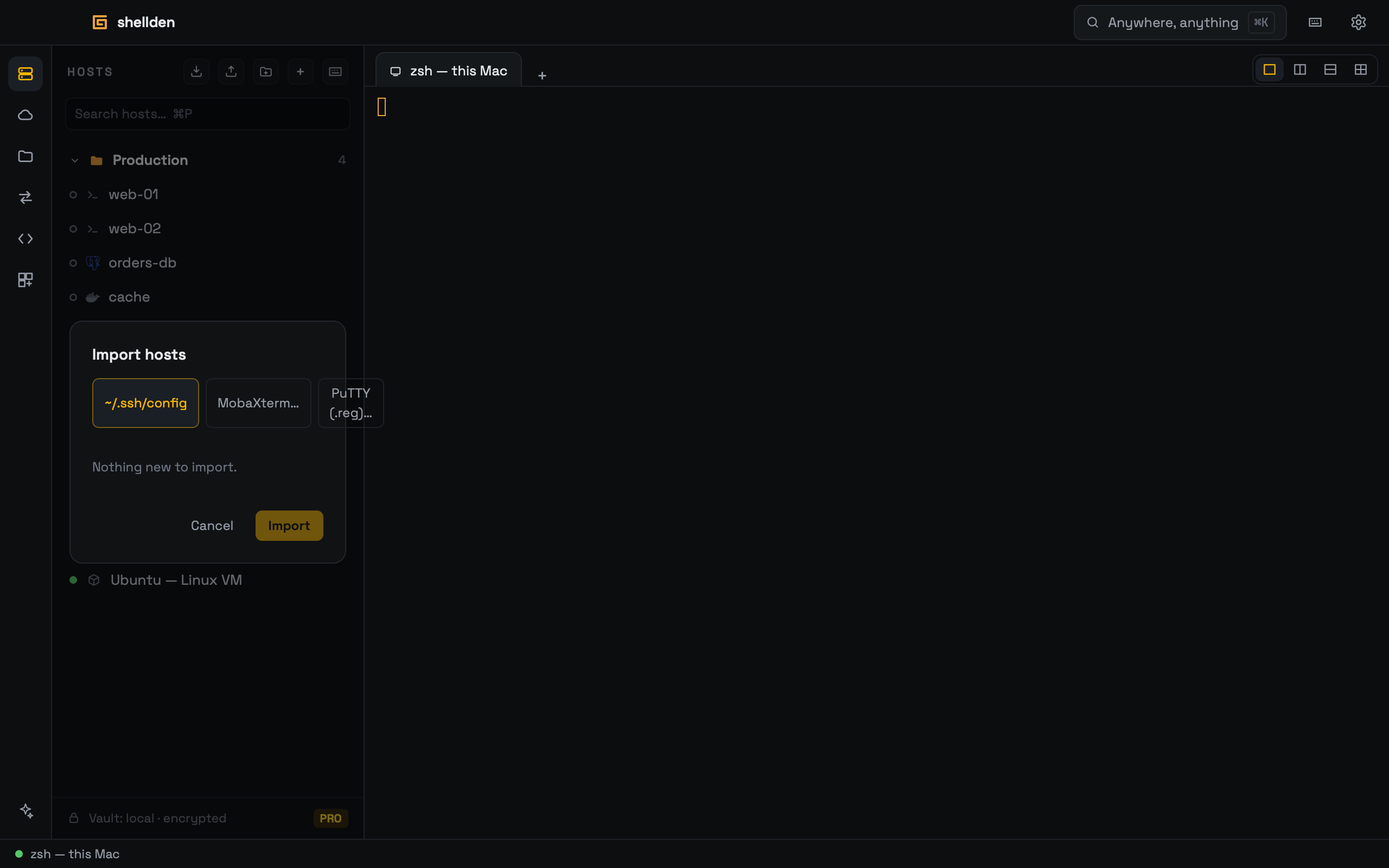
Importing
1
The import button in the HOSTS header opens the import dialog.
2
The source:
~/.ssh/config, a MobaXterm export (MobaXterm.ini or .mxtsessions: folders and SSH gateways come along) or a PuTTY .reg export (sessions and port forwards).3
The hosts to bring in get ticked; ones already saved are hidden.
Exporting and keeping in sync
"Export hosts to SSH config" (in ⌘K, or the export button) writes the hosts so they also work in plain
ssh, scp, git and VS Code Remote-SSH.Settings → General → SSH config → Keep ~/.ssh/config in sync re-exports on every host change. Hosts added to
~/.ssh/config by hand show up as a line under HOSTS with Import (× hides it until more appear).