EVERY FEATURE
Everything Shellden does.
Grouped by the work it serves. PRO marks the few things that need Pro; everything else is free.
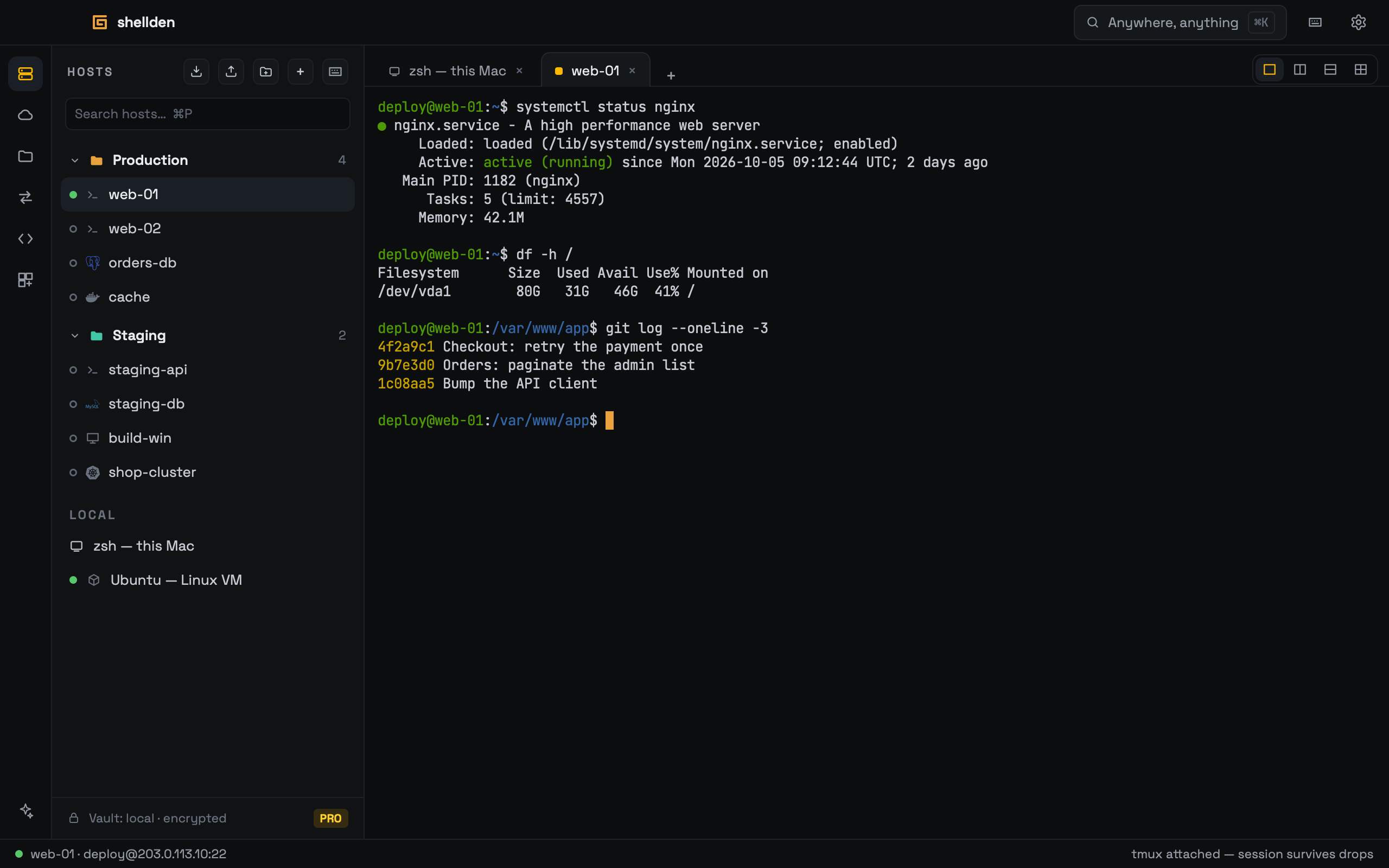
Terminal & hosts
- SSH with keys, passwords or the agent; host keys checked on first contact
- Folders, tags and search; hosts drag between folders
- Resilient sessions inside tmux: a dropped network never ends the work
- Jump hosts; local, remote and SOCKS port forwards
- Up to four panes per tab; tabs and panes move to other monitors
- ed25519 keys generated and kept in the system keychain
- Hosts import from ~/.ssh/config and export back to it
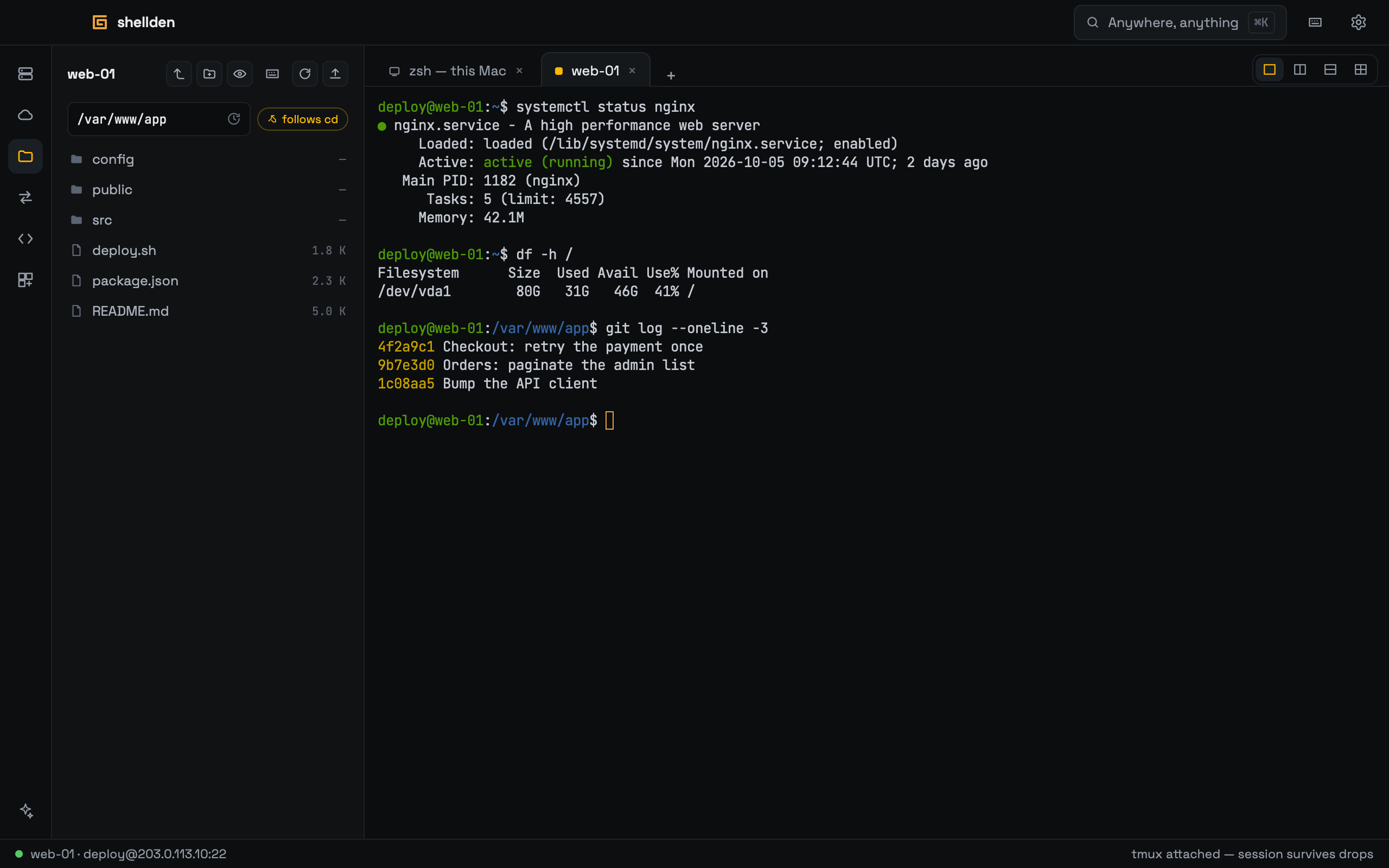
Files
- SFTP panel beside the terminal, following its folder
- Upload by drop, download whole folders, rename, permissions
- Edit a remote file in any local editor; every save goes back up
- Huge folders stay smooth
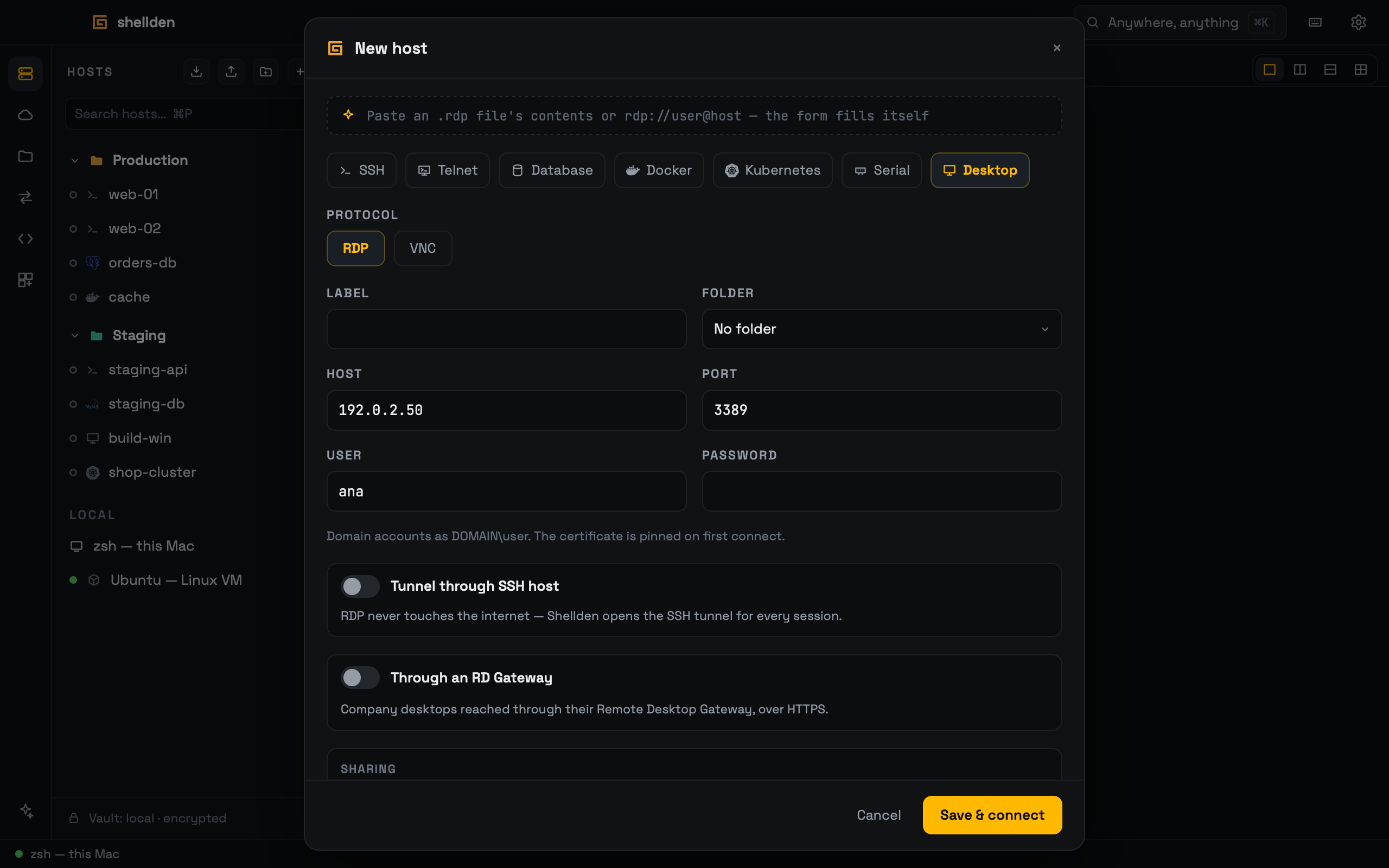
Remote desktops
- RDP to Windows and Linux (xrdp), NLA, certificate pinned on first use
- Clipboard text, images and files, both ways
- A shared folder, and files dropped straight onto the desktop
- Sound and microphone; camera into Windows desktops
- Windows screens as H.264 video, smooth even fullscreen
- Through an SSH host or an RD Gateway
- VNC to Linux servers and Macs
- Size follows the tab; sharp on high-density screens
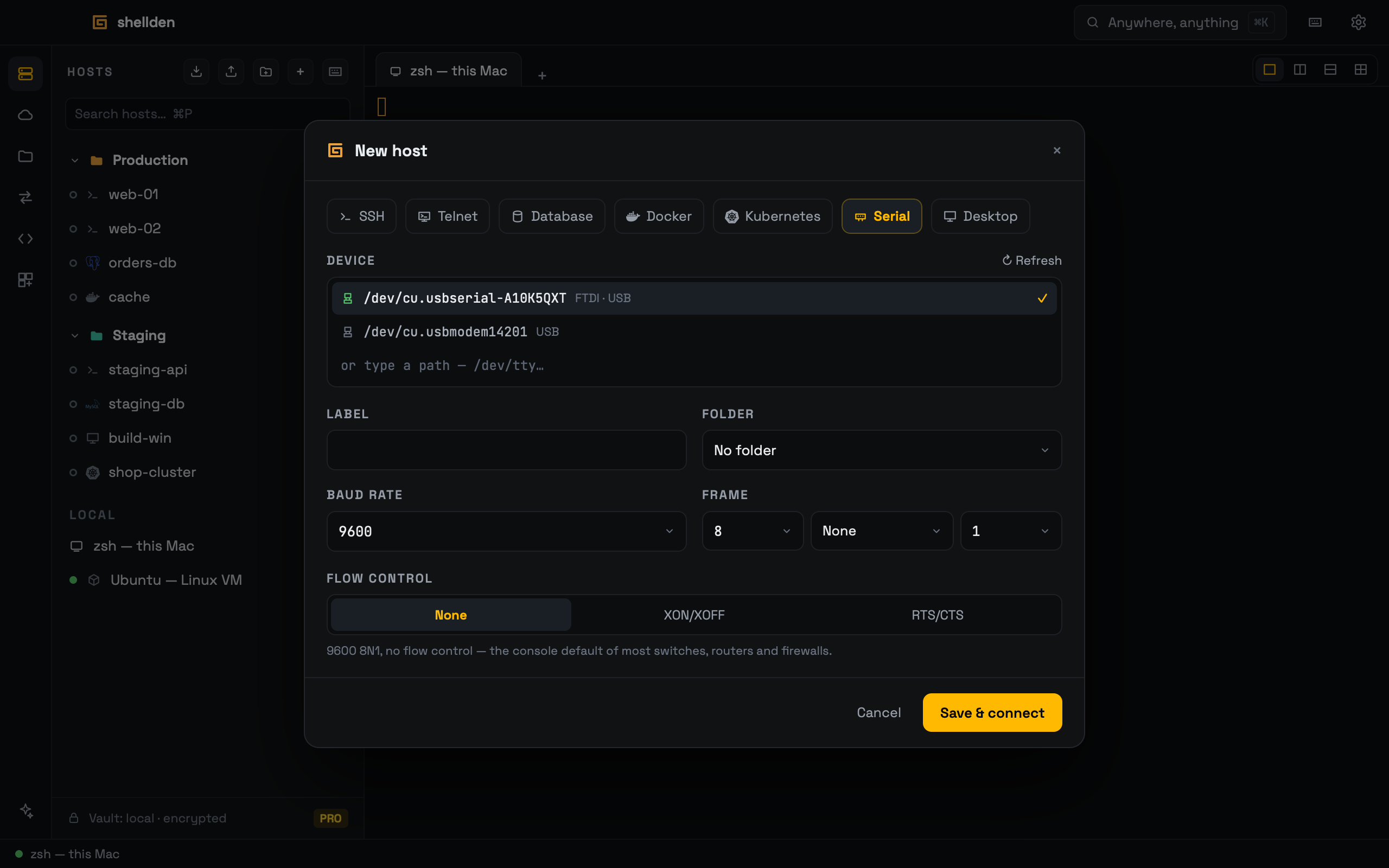
Network gear
- Serial consoles over USB adapters; baud, frame and flow control
- Telnet for gear without SSH, marked unencrypted in the tab
- Console-server lines; send break
Docker & Kubernetes
- Docker containers on this computer or through an SSH host
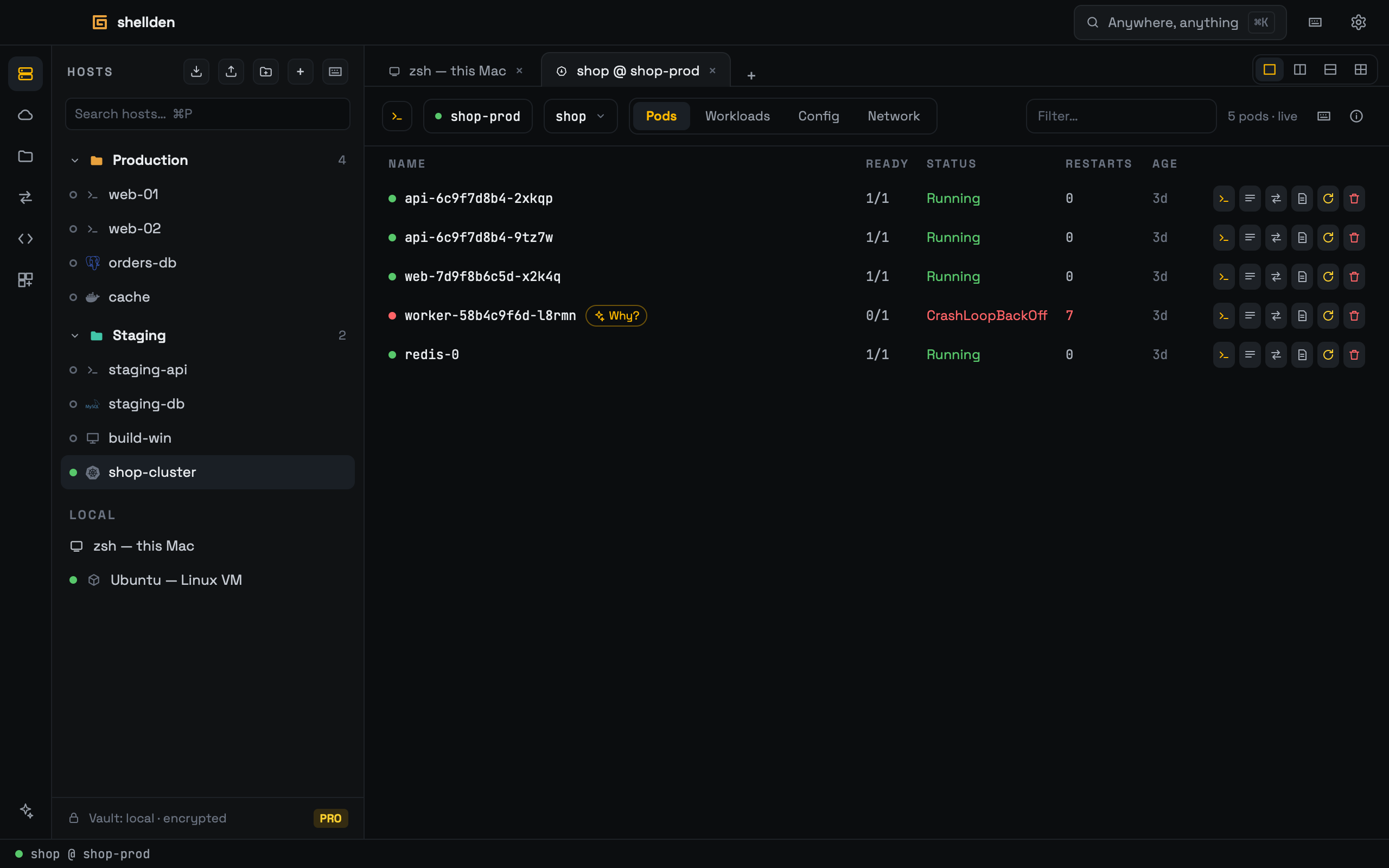
- Cluster view: pods, workloads, config and network, live
- Pod shells, logs and a kubectl console in one panel
- The logs of every replica as one stream
- Port forwards that follow the pod through restarts; pinned pods
Databases
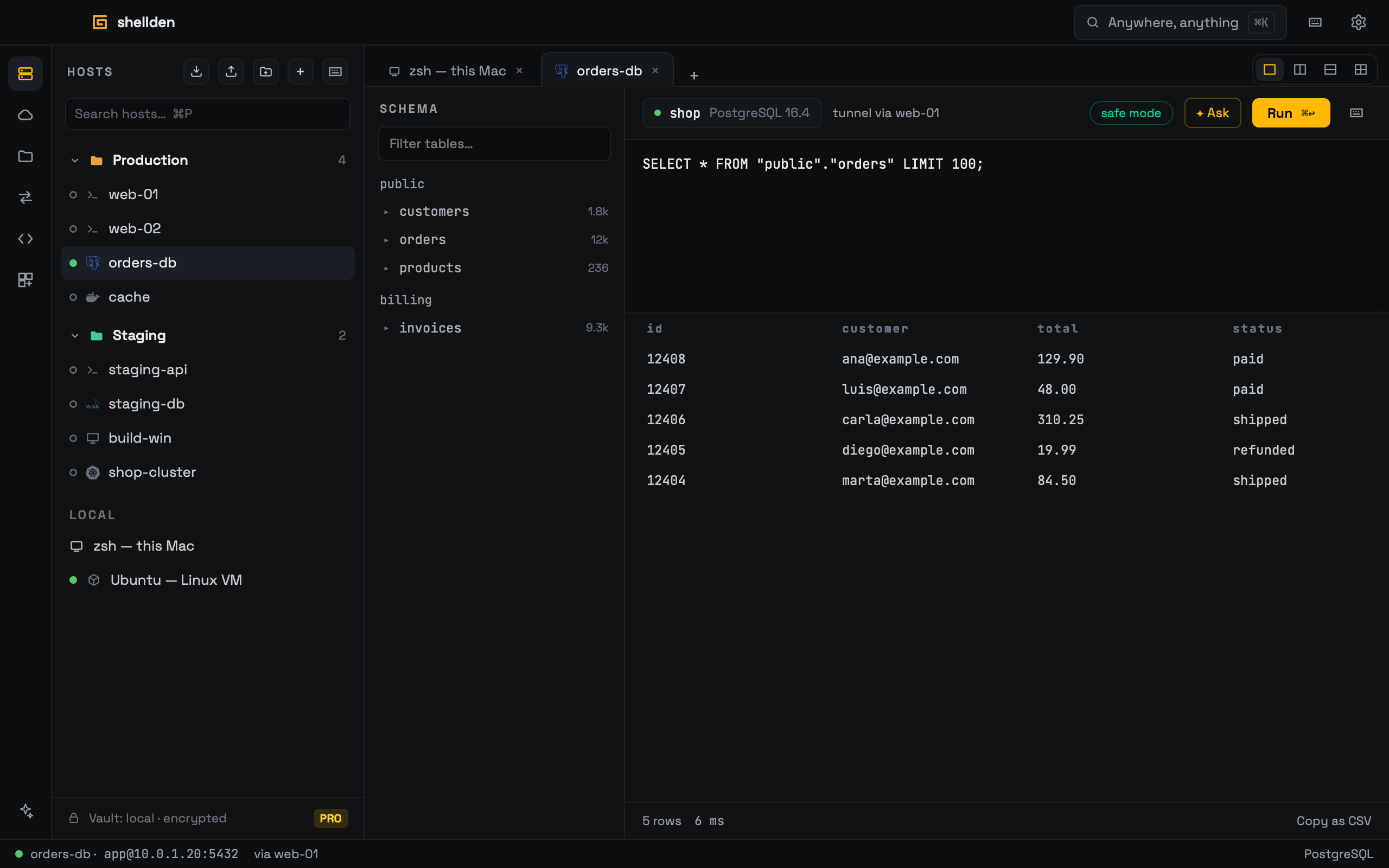
- PostgreSQL, MySQL, MongoDB and SQL Server
- Tunnelled through a saved SSH host; TLS per host
- Safe mode always on: writes and drops wait for a click
- Schema tree, editor and results; copy as CSV
CloudPRO
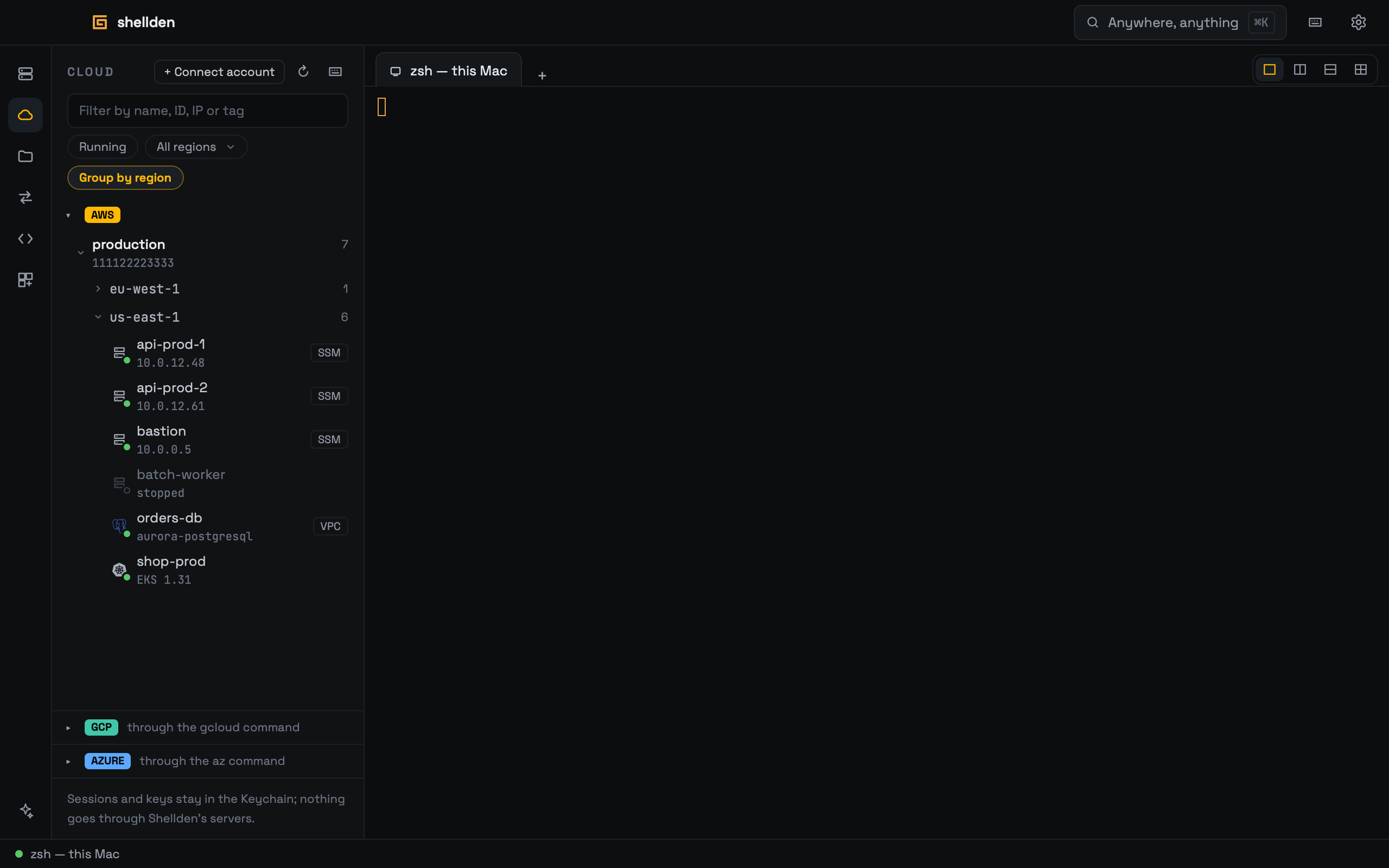
- AWS sign-in in the browser, with no CLI to install; Google Cloud and Azure soon
- Every AWS account and role in one tree
- Every region and VM, with filters by name, address, tag and state
- Shells through AWS Session Manager, with no open ports
AssistantPRO
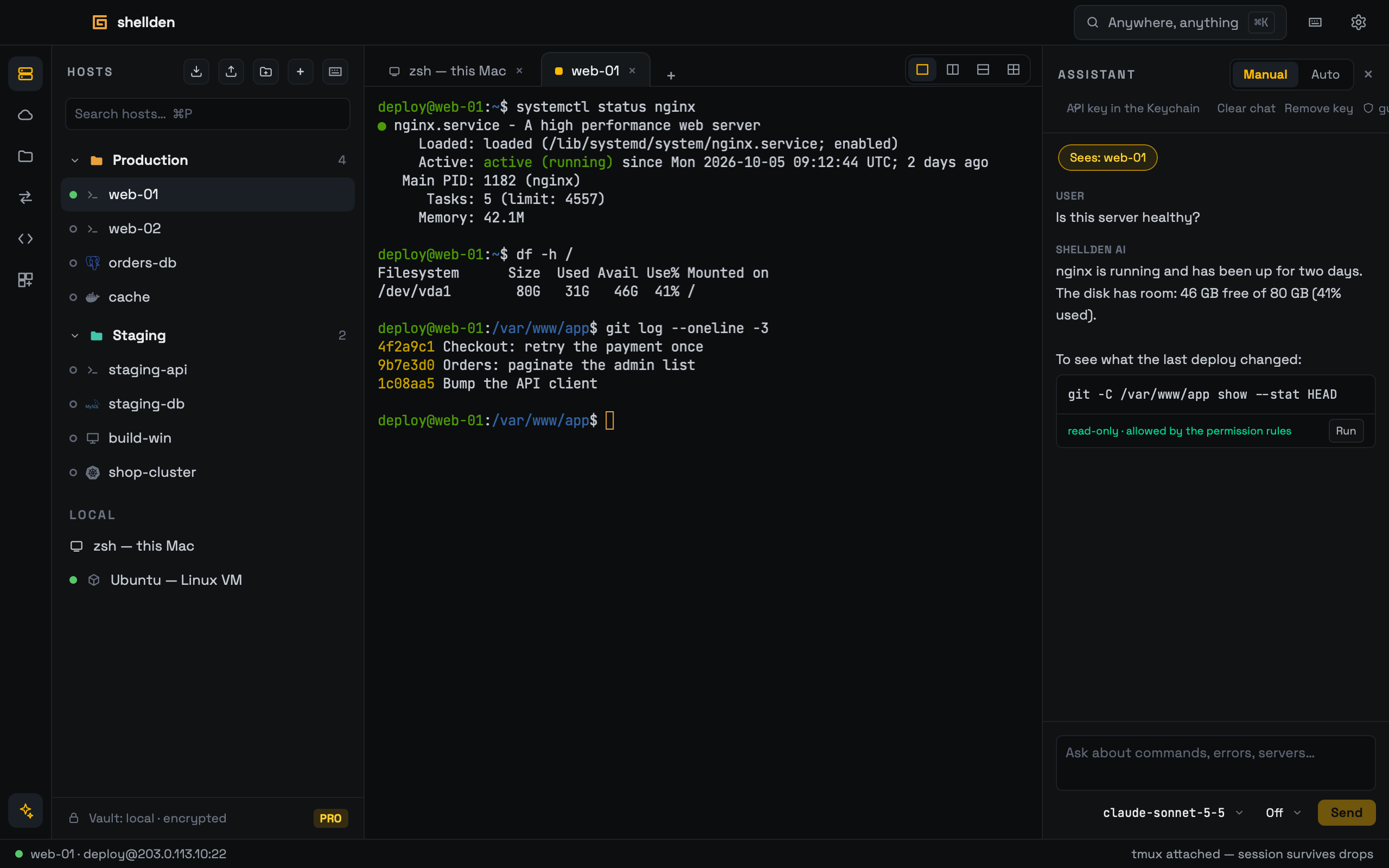
- Anthropic, OpenAI or a local model (Ollama, LM Studio, llama.cpp, RapidMLX), on its own API key
- Each question shows which terminal lines it sends; one click sends less
- Manual or Auto; destructive commands always wait for a click
- Permission rules in a plain JSON file
Everyday tools
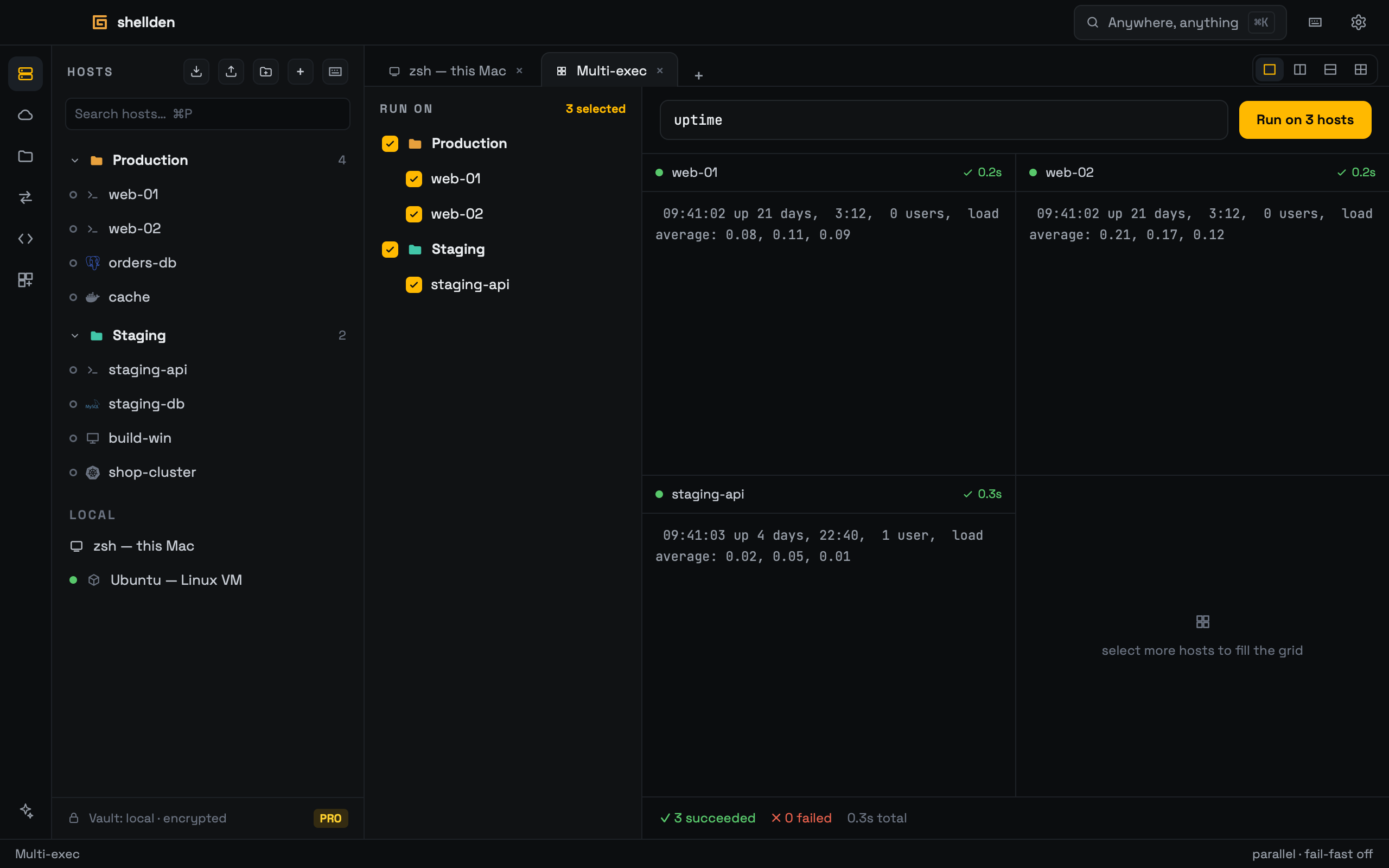
- Multi-exec: one command on many hosts, results per host
- Snippets under the same permission rules
- ⌘K / Ctrl+K for hosts, tabs, settings and actions; every shortcut editable
- Open in VS Code Remote-SSH or JetBrains Gateway
- The shellden command; Alfred and Raycast (macOS)
- A local Ubuntu VM with the DevOps toolbox (macOS)
- The manual inside the app, in English and Spanish