Every server, one window.
Terminals, files, databases, clusters, remote desktops and cloud machines, with its own assistant.
Every kind of server, one host list.
Folders, tags and search work the same for a Linux box, a Windows desktop, a switch or a cluster.
- Sessions that outlive a dropped connectionSSH sessions run inside tmux. Reconnect resumes where they left off.
- Jump chains, proxies and certificatesAny number of hops, a proxy per host and SSH certificates. A bastion’s hosts import in one step.
- Remote desktopsRDP and VNC in a tab, through an SSH host or an RD Gateway.
- Switches and routersSerial consoles over USB and Telnet, with send break.
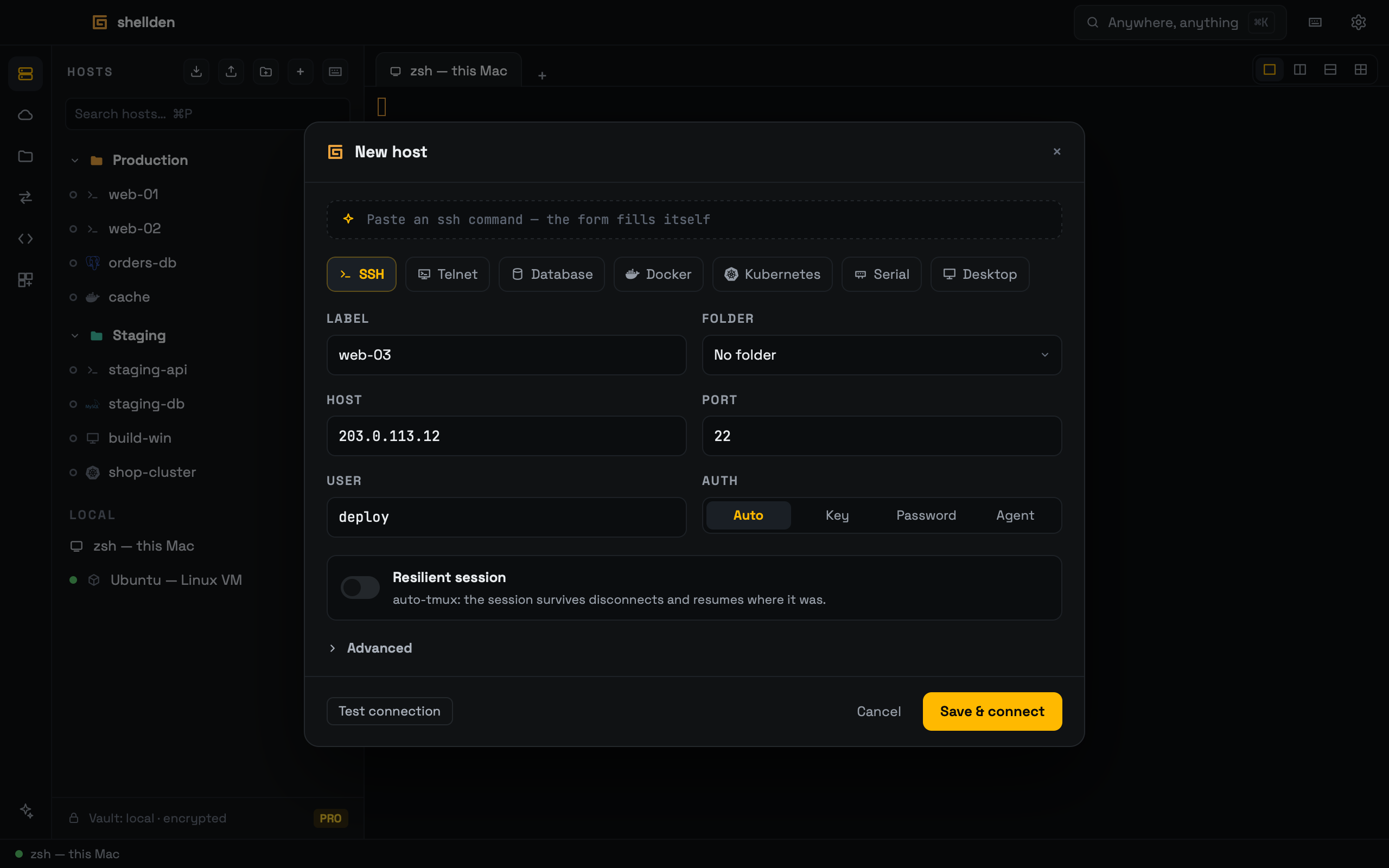
Files, databases and clusters, beside the shell.
Each opens in a tab next to the terminal, direct or through a saved SSH host.
- Files that follow the shellThe files panel follows the terminal’s folder, and saved files go straight back to the server.
- Databases with the safety onPostgreSQL, MySQL, MongoDB and SQL Server, with reads in read-only sessions.
- A whole cluster in one tabPods, logs and a kubectl console, plus Docker on any host.
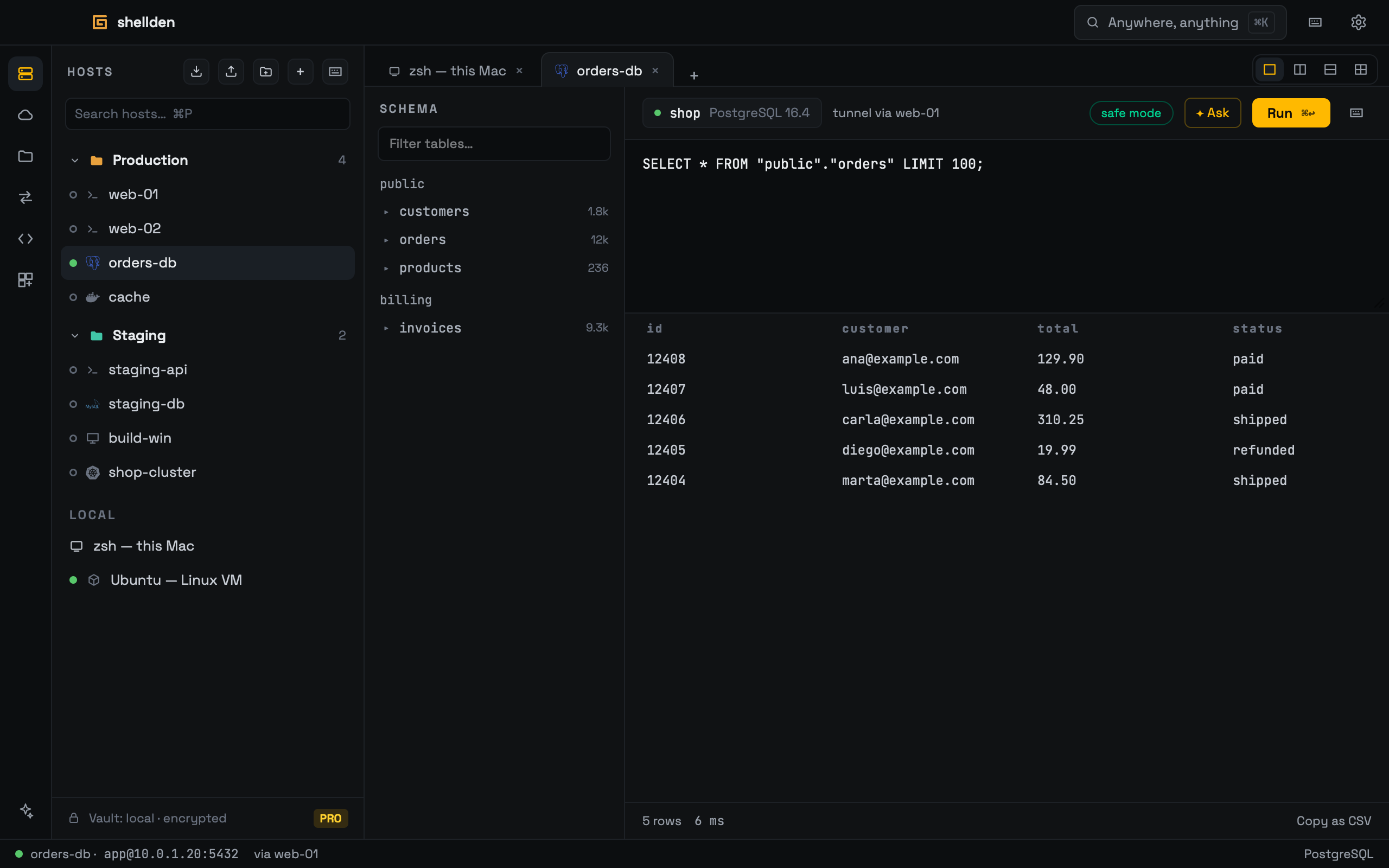
Cloud machines without keys.
One browser sign-in per provider, and every machine it reaches is one click from a shell.
- AWS, Azure and Google CloudShells through each cloud’s own access service: no key, no CLI.
- Power and production marksStart, stop and reboot from the tree. Production resources show in red.
- DigitalOcean and VultrServers imported into the host list — DigitalOcean with a browser sign-in, Vultr with an API token — with power on, off and reboot.
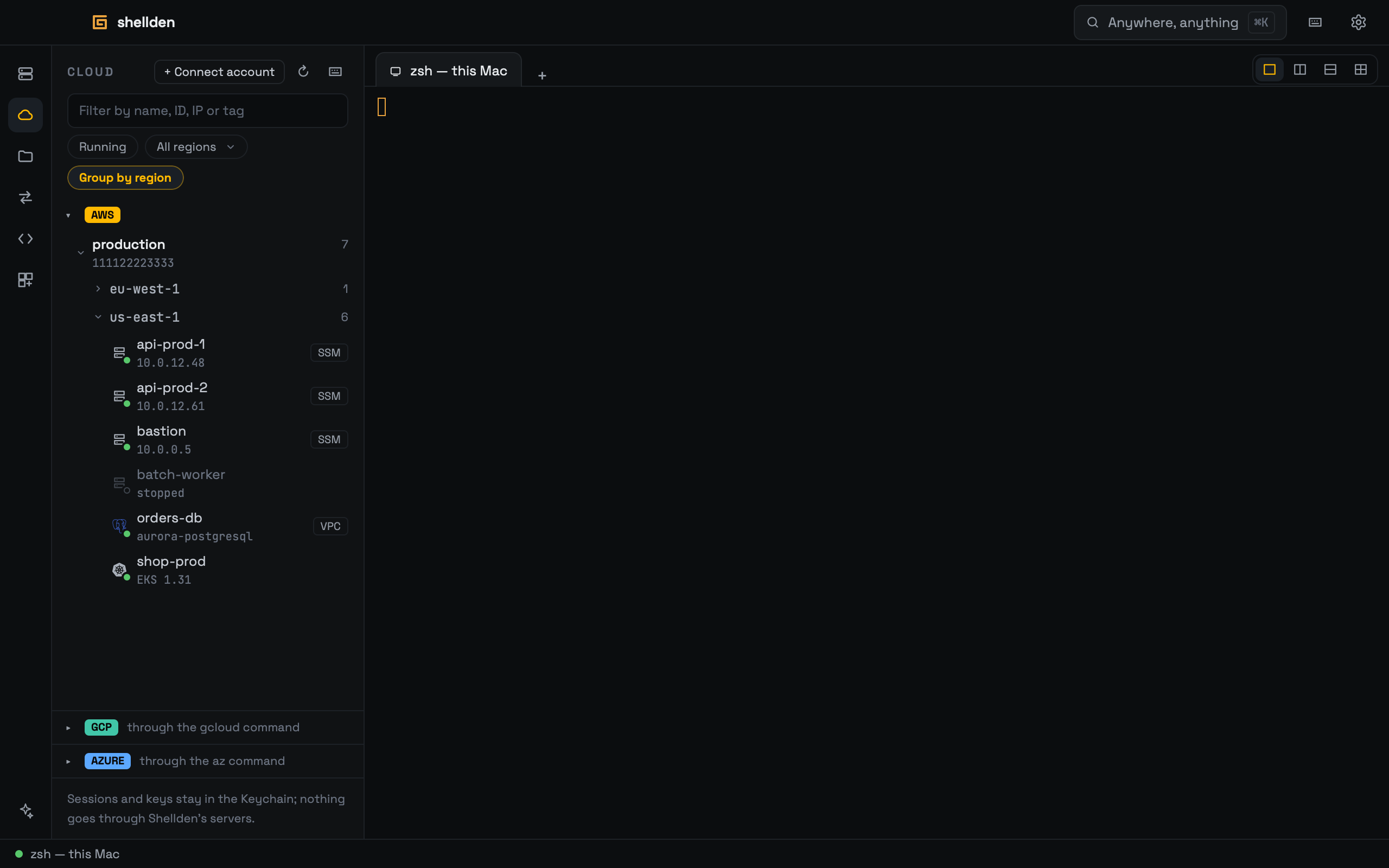
It finds the cause. The fix waits for a click.
It runs read-only checks on its own, reads the output and proposes the fix. On Local AI or Remote AI.
- Investigates on its ownStatus checks, logs and configuration reads run on their own, without typing into the shell.
- Changes nothing unaskedAnything that writes, restarts or deletes waits for Run.
- Local AI or Remote AILocal AI: Ollama, LM Studio, or Rapid-MLX on a Mac. Remote AI: Anthropic, OpenAI, Google Gemini, OpenRouter, Amazon Bedrock, Azure AI Foundry, Google Vertex AI or any OpenAI-compatible URL.
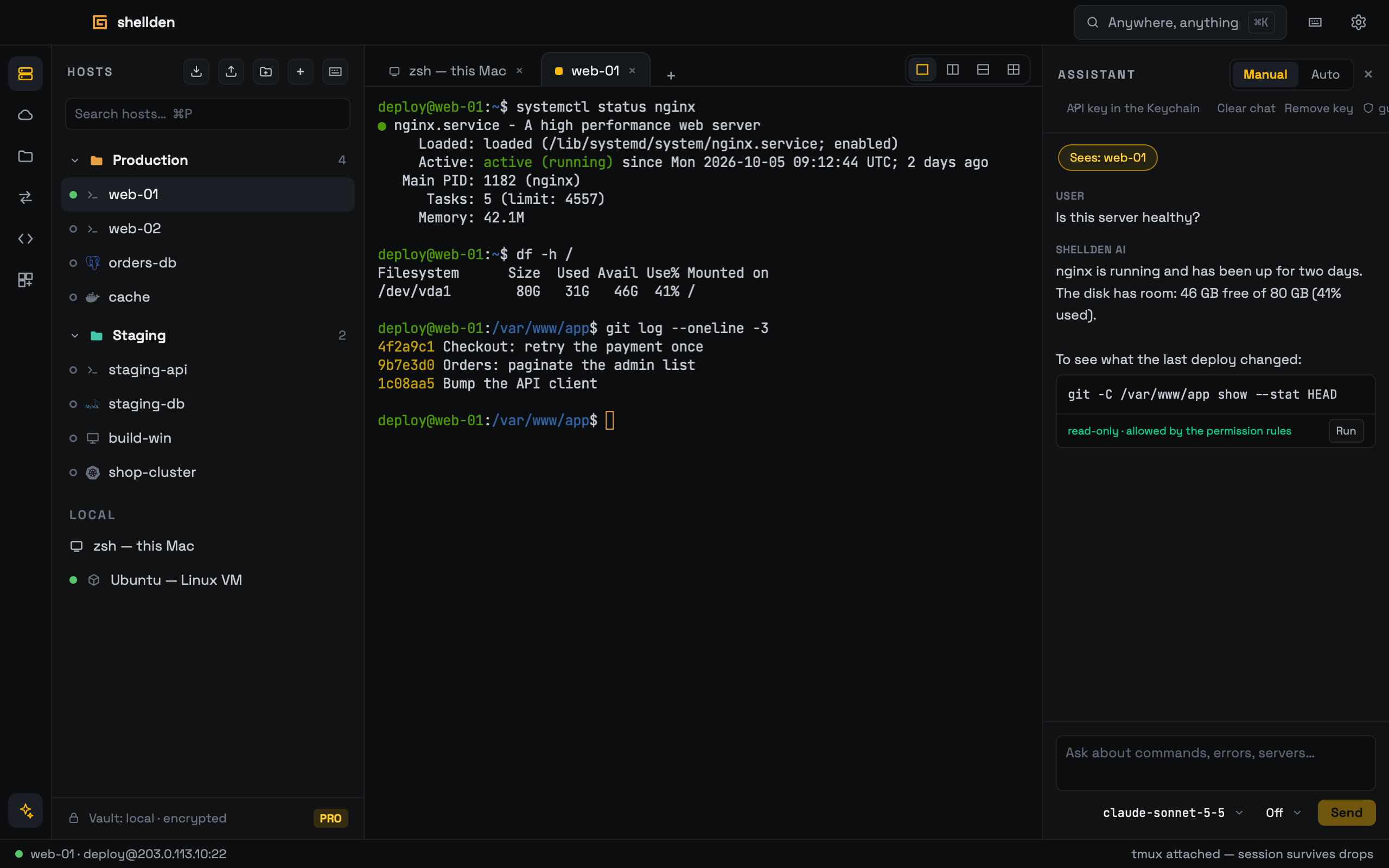
One client at a time.
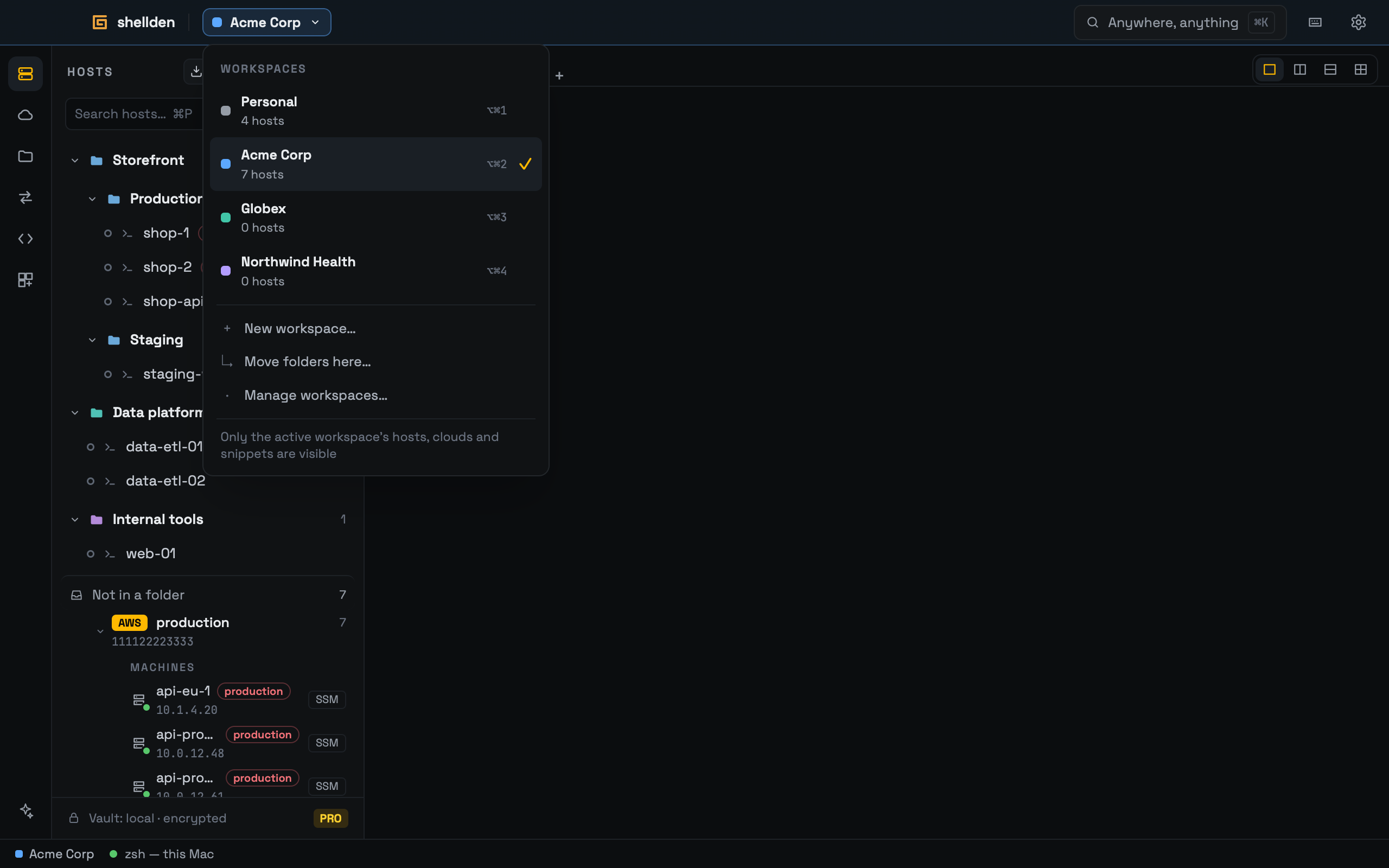
A workspace holds a client’s hosts, cloud accounts and snippets. Switching hides everything else.
- WorkspacesProject folders inside, with its own key, rules and production marks.
- Session historyWho was on which server, when and for how long. Never the content.
- Export and importA .shellden file carries everything or a part, with secrets sealed by a code.
Small things, used all day.
The details that save a minute, many times a day.
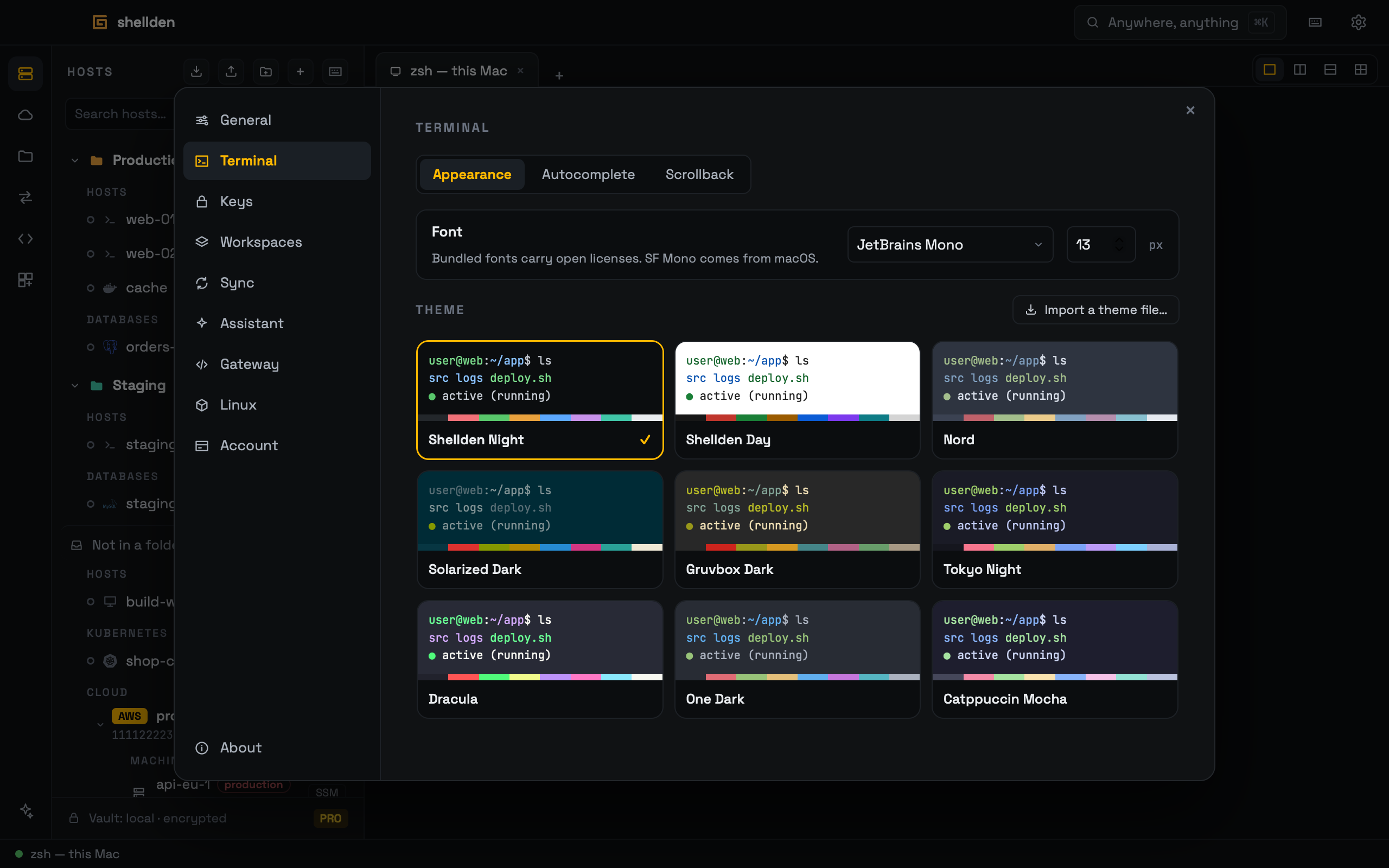
- Terminal themesNine themes and four fonts, or a theme file imported.
- Inline autocompleteSuggestions from the host’s own history, computed on the computer. Nothing is sent.
- Multi-execOne command across a folder of hosts, a result for each.
- Command palette⌘K finds hosts, tabs, settings and actions.
Fast, private, always there.
3 ms keystroke echo at the 95th percentile. Native Rust underneath, not Electron.
- Secrets in the system keychainSync carries them only sealed with a passphrase Shellden never sees.
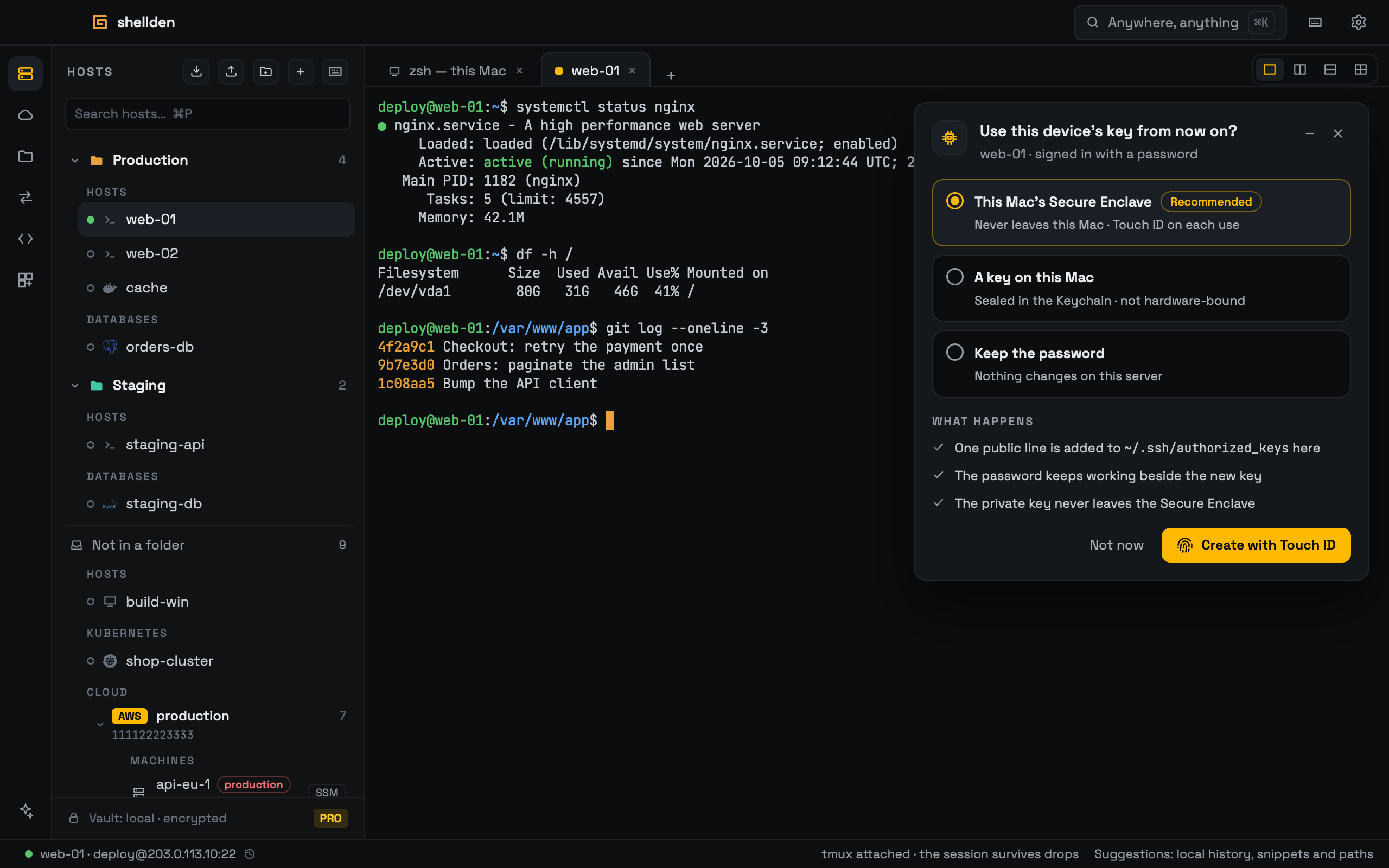
- A key that never leaves the computerMade in the Mac’s Secure Enclave, in the TPM with Windows Hello on Windows, or in TPM 2.0 on Linux.
- Locks when left aloneSessions keep running behind the lock, with nothing visible and nothing typed.
- Works without internetOffline mode makes no outbound calls, and the app always opens.
Everything it reaches.
Every connection, database and cloud the app opens, and which ones the editor’s agent reaches.
| CONNECTIONS | Desktop | Gateway |
|---|---|---|
| SSH | ✓ | ✓ |
| SFTP · files | ✓ | ✓ |
| RDP | ✓ | — |
| VNC | ✓ | — |
| Telnet | ✓ | — |
| Serial · USB | ✓ | — |
| Local terminal | ✓ | — |
| Local Linux and WSL | ✓ | — |
| Docker · on any host | ✓ | — |
| DATABASES | Desktop | Gateway |
|---|---|---|
| PostgreSQL | ✓ | ✓ |
| MySQL | ✓ | ✓ |
| MongoDB | ✓ | ✓ |
| SQL Server | ✓ | ✓ |
| KUBERNETES | Desktop | Gateway |
|---|---|---|
| Clusters · pods, logs, kubectl | ✓ | ✓ |
| AWS | Desktop | Gateway |
|---|---|---|
| EC2 | ✓ | ✓ |
| EKS | ✓ | ✓ |
| RDS and Aurora | ✓ | ✓ |
| AZURE | Desktop | Gateway |
|---|---|---|
| Virtual machines | ✓ | ✓ |
| AKS | ✓ | ✓ |
| Databases · PostgreSQL, MySQL, SQL | ✓ | ✓ |
| GOOGLE CLOUD | Desktop | Gateway |
|---|---|---|
| Compute Engine | ✓ | ✓ |
| GKE | ✓ | ✓ |
| Cloud SQL | ✓ | ✓ |
| DIGITALOCEAN | Desktop | Gateway |
|---|---|---|
| Droplets | ✓ | ✓ |
| VULTR | Desktop | Gateway |
|---|---|---|
| Instances · with an API token | ✓ | ✓ |